
Navigate your digital toolkit
Welcome to my website!
This content will be a walkthrough and explanation of the web-based tools I have used throughout the course of this class.
About Me!
This purpose of this site is to inform and evaluate the web-based tools. Designed for my instructor and peers alike.
The tools I will be discussing are Canva, Group Me, SurveyMars, Microsoft Sway, and Cap Cut. These tools were very useful to me and I will explain the process.

The Tools Evaluated
Artistic Tool- Canva
Used for an Infographics to bring attention to different causes. This student project evaluates its reliability to make a wide range of visual content.
Collaboration Tool- GroupMe
Assists with quick communication with various groups of people. We discuss whether this form of communication is efficient and reliable enough to spread information.
Poll, Survey, and Quiz Tool -SurveyMars
Used to create polls and surveys to share information. We will discuss whether this tool provides an easy-to-follow process for creating polls and surveys.
Multitude Presentation - Microsoft Sway
Used for creating presentations and reports. This evaluation was used as an argument about productivity.
Video Editing Tools - CapCut
Used for video editing and designing. We analyze the true effectiveness of making a video or photo appear more professional.
Artistic Tool - Canva
assignment example:
I used Canva to make my infographic to bring attention to healthy habits that can change the way of living
Canva is a cloud-based graphic design tool that simplifies the creation of digital and print materials. It is widely used for infographics, presentations, and branding assets due to its extensive library of templates and interactive features.
Good Tool: 3-star Criteria
Accessibility/Usability: The software was mostly easy to access, install, and/or launch
Navigation: It was mostly easy to navigate the software interface
Documentation: Support was mostly provided to guide the user on using the software
Performance: It was mostly easy to perform the task for which the tool was intended
- I chose this star rating because the platform was easy to use. This made the infographic less challenging to create. The overall platform has made it easy to install and create different projects.
- The best thing about this tool is the variety that each tool brings to the project.

Pros Vs Cons
- Highly intuitive UI and drag-and-drop elements
- Real-time collaboration for team workflows
- Massive library of high-quality templates and icons
- Robust free tier with essential tools
- Limited control over advanced typographic styles
- Premium assets require individual purchases or Pro membership
- Export formats can be restrictive for specialized production
Poll, Survey Tool - SurveyMars
I used SurveyMars to make a multi-question poll and survey about school subjects. assignment example:
SurveyMars is a free online poll and survey platform that allows users to share, create, and analyze surveys with unlimited questions and responses.
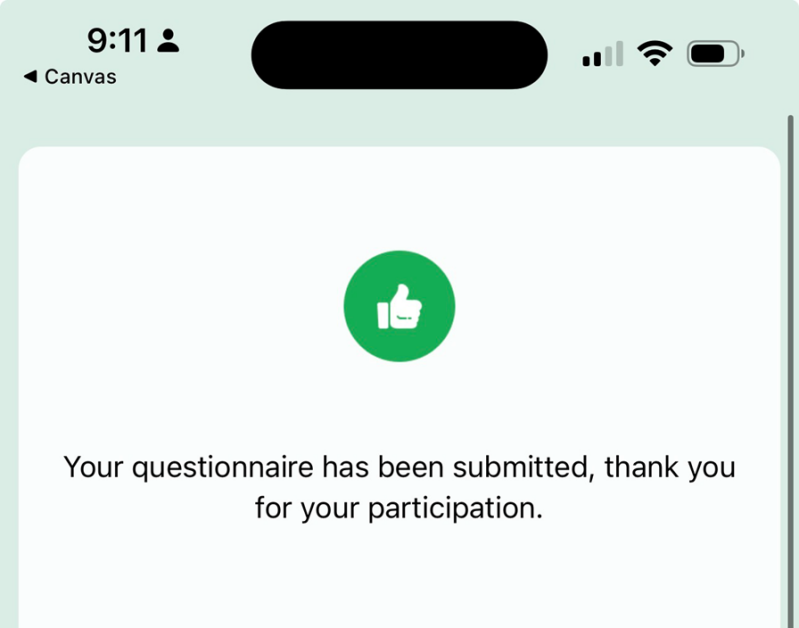
Good Tool: 3 - star rating
Accessibility/Usability: The software was mostly easy to access, install, and/or launch
Navigation: It was mostly easy to navigate the software interface
Documentation: Support was mostly provided to guide the user on using the software
Performance: It was mostly easy to perform the task for which the tool was intended
-
The best thing about this software is the easy-to-use control while making the poll and survey. The overall performance is nice, but it can be improved.
-
The worst thing about this software is the navigation aspect of it. I have never used the tool before, so I had a hard time trying to find the right starting part to begin them.
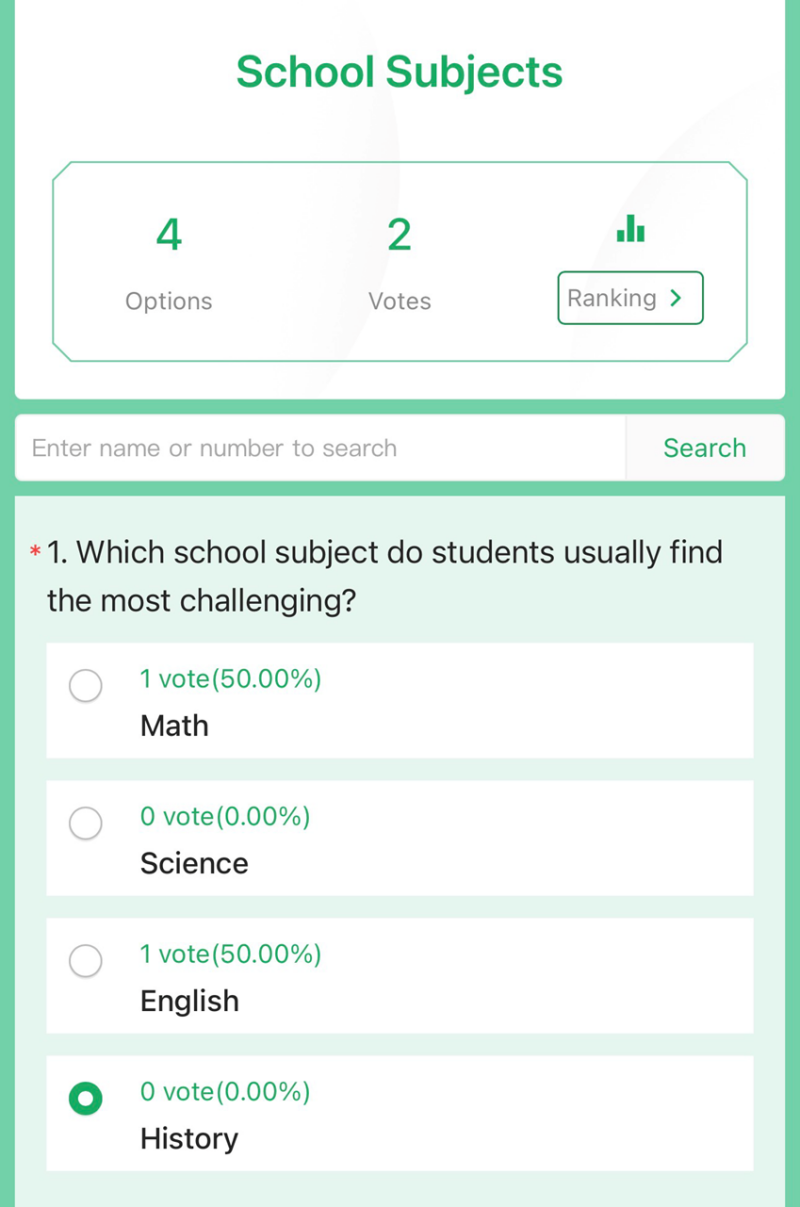
Pros vs Cons
- Free to use
- Many question types
- Real-time analytics
- Customizable appearance
- Less established than competitors
- Mobile performance issues
- basic data visualization
Collaboration Tool -GroupMe
I used GroupMe to communicate and share ideas with members as part of a collaborative assignment
GroupMe is a mobile and web messenger by Microsoft that facilitates group chats. It is particularly useful for rapid communication among student groups, teams, or community members where sharing information quickly is essential.

Good Tool: 3 Star Criteria
Accessibility/Usability: The software was mostly easy to access, install, and/or launch
Navigation: It was mostly easy to navigate the software interface
Documentation: Support was mostly provided to guide the user on using the software
Performance: It was mostly easy to perform the task for which the tool was intended
GroupMe was easy to access for this project because it is easy to access from both mobile phones and computers. It works for group messaging and spreading information to peers. Overall, GroupMe is a good tool, but has limited in collaboration features.
Pros vs Cons
- Works across all devices via the app or SMS
- Easy to organize group members without needing their numbers
- Supports media sharing and calendar events within the chat
- Completely free to use
- Notifications can become overwhelming in busy groups
- Limited formal moderation tools compared to Slack
- Less professional feel than other collaboration tools
Multitude Presentation - Microsoft Sway
I used Sway for my project. This was my first time using this tool, and the overall app was somewhat easy to use. However, I did run into a problem with making the slides. A challenge I faced while using this tool was figuring out how to navigate the slides, but I overcame it by watching a tutorial and taking a second to think about my next move. Overall, this tool was effective in the way it was used, but it could be improved.

Good Tool: 3 Star Criteria
Accessibility/Usability: The software was mostly easy to access, install, and/or launch
Navigation: It was mostly easy to navigate the software interface
Documentation: Support was mostly provided to guide the user on using the software
Performance: It was mostly easy to perform the task for which the tool was intended
Microsoft Sway was an easy-to-navigate application and made creating my presentation flow smoothly.
Video Editing Tools - CapCut
I used my Cap Cut to edit my video. I have used this edition software before, so it was easy to use. This editing site is a good starting app to use. The simple layout made it easy to make edits and rearrange if necessary. Overall, Cap Cut is a great tool to use for editing to beginners to make videos look professional.
Good Tool: 3 - star rating
Accessibility/Usability: The software was mostly easy to access, install, and/or launch
Navigation: It was mostly easy to navigate the software interface
Documentation: Support was mostly provided to guide the user on using the software
Performance: It was mostly easy to perform the task for which the tool was intended
Cap Cut was easy overall for this project because you can access the software on both mobile phones and computers. It works for video editing and photo editing alike. Overall, Cap Cut is a great tool, but has limited in collaboration features.
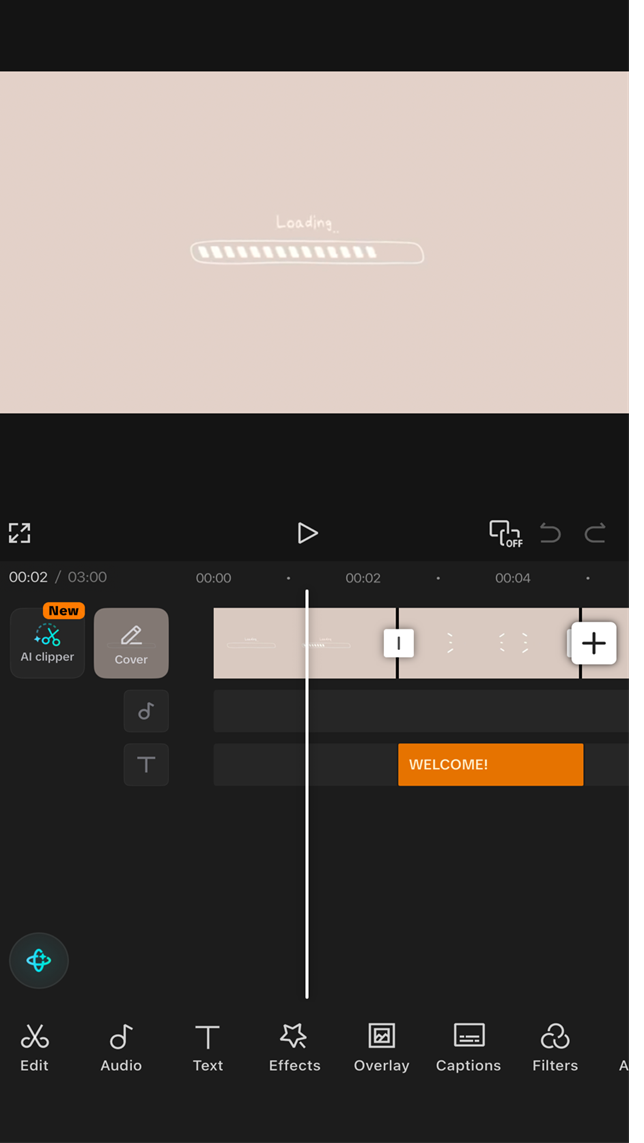
Pros vs. Cons
- Outstanding auto-caption feature with high accuracy
- Huge library of trending music and sound effects
- Very stable performance for mobile editing
- Standard storage limits on the free version
- Desktop version can be resource-intensive for older PCs
- Privacy concerns sometimes arise regarding data collection
Get in touch
Location
Hattiesburg, Mississippi, United States